Understanding of Kafka service externalization in the Pega Application
Understanding of Kafka service externalization in the Pega Application
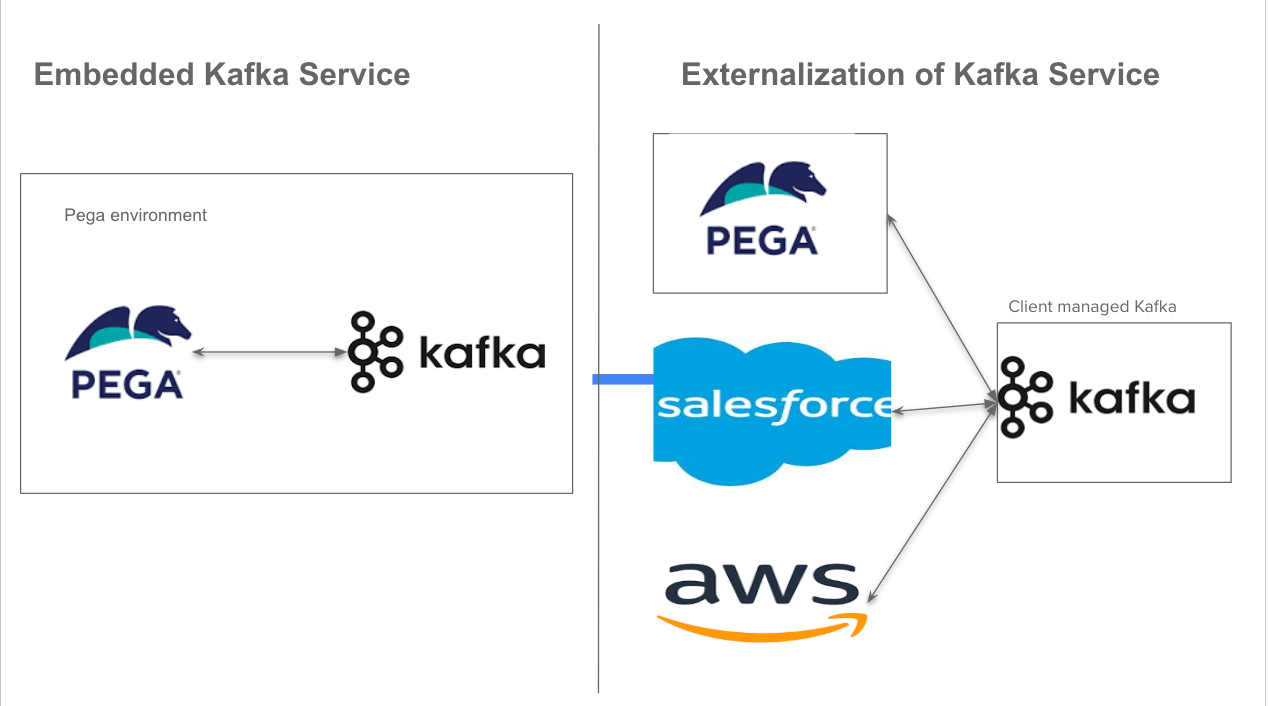
In this post, let's understand the Kafka service externalization in the Pega Application. Kafka is an open-source streaming platform that collects, processes, and stores streaming data. Pega products come with Kafka as an embedded service. It supports the Queue processor and Job Scheduler execution in the platform. From Pega 8.6 onwards, the product recommendation is to externalise the service to enhance the application's performance, scalability, and maintainability.
The externalisation of Kafka service supports microservices architecture and cloud-native readiness. The clients can manage their own Kafka clusters or use the AWS, Google and Azure publish and streaming services like Azure Event Hubs, or AWS Kinesis. Apart from Pega, other client applications like Salesforce, and AWS cloud VPCs can effectively utilize the centralized Kafka cluster.
Here I would like to explain simply if the client is managing the Kafka cluster then how the Kafka topics store the event data. Most companies, use Kubernetes docker containers to provide the service.
Step 1: Install the docker desktop app
Follow the instructions required for Mac or Windows.
Docker Desktop
_Docker Desktop is collaborative containerization software for developers. Get started and download Docker Desktop today…_www.docker.com
Step 2: Download the docker image and run it
- Navigates to images
- Search for apache/kafka
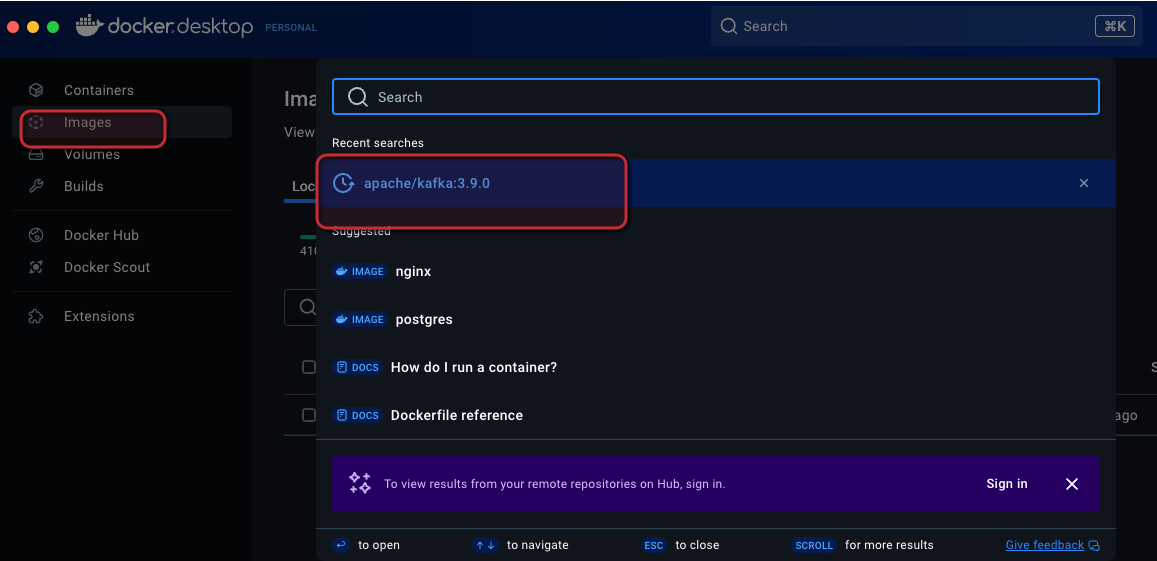
- After the successful pull, Run the image

Provide the docker image name — kafkatest
Verify the running container

Step 3: Publish the event to the Kafka topic
Now that we have the Kafka container running, publish the event to the Kafka topic. There are several ways to publish the event. Here I used the simple Python code to push the event to the localhost container. You can use either VSCode or Cursor code editors. Install Python and execute the below code.
from confluent_kafka import Producer
import json
def delivery_report(err, msg):
if err is not None:
print(f'Message delivery failed: {err}')
else:
print(f'Message delivered to {msg.topic()} [{msg.partition()}]')
Configure the Kafka Producer
producer = Producer({
'bootstrap.servers': 'localhost:9092',
'client.id': 'python-producer' # Add a client ID for better logging
})
Define the topic to send messages to
topic = 'my-topic'
JSON data to send
data = {
'name': 'John Doe',
'age': 20,
'city': 'New York'
}
Send the JSON message with callback
producer.produce(
topic,
json.dumps(data).encode('utf-8'),
callback=delivery_report
)
Wait for any outstanding messages to be delivered
producer.flush(timeout=10)
The code is self-explanatory, pushing the simple JSON data that contains the name, age and city of a customer to the Kafka topic — “my-topic”. After execution, it shows the delivery report message.
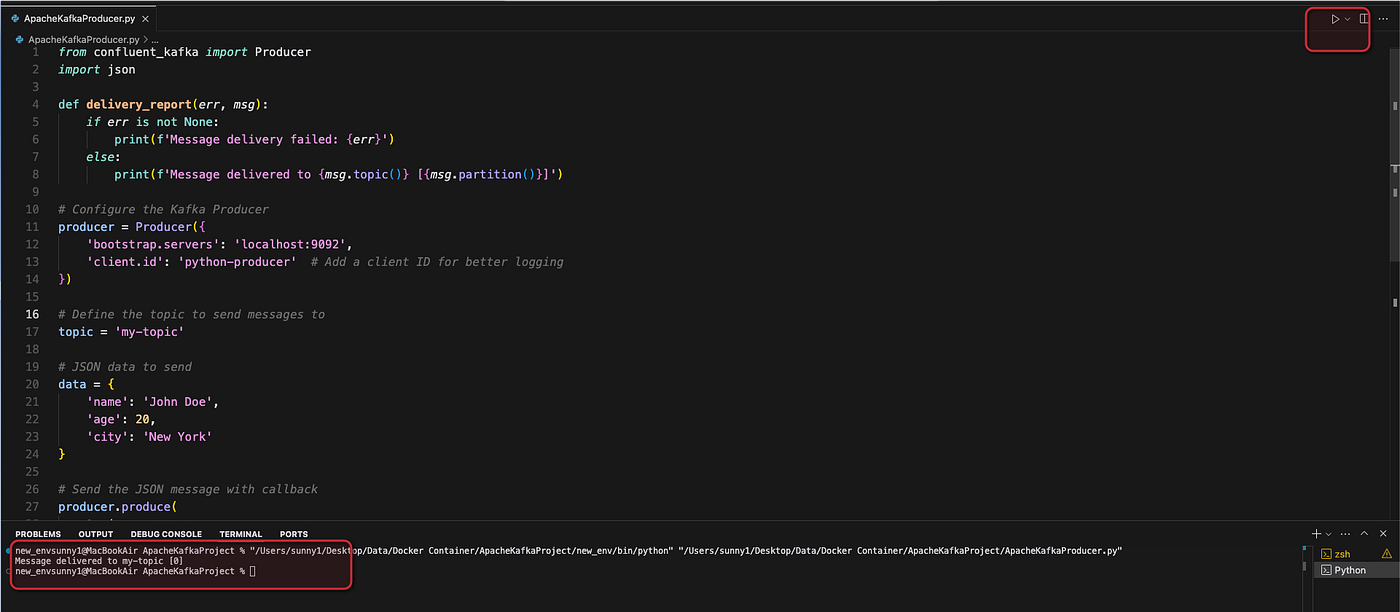
Step 4: Verify the event in the Kafka docker container
Open the desktop docker app container and navigate to Files.
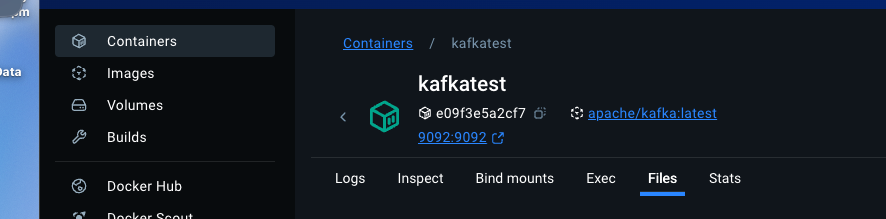
Look for the folder my-topic-0 [Kafka appends the number to avoid the topic name conflicts]
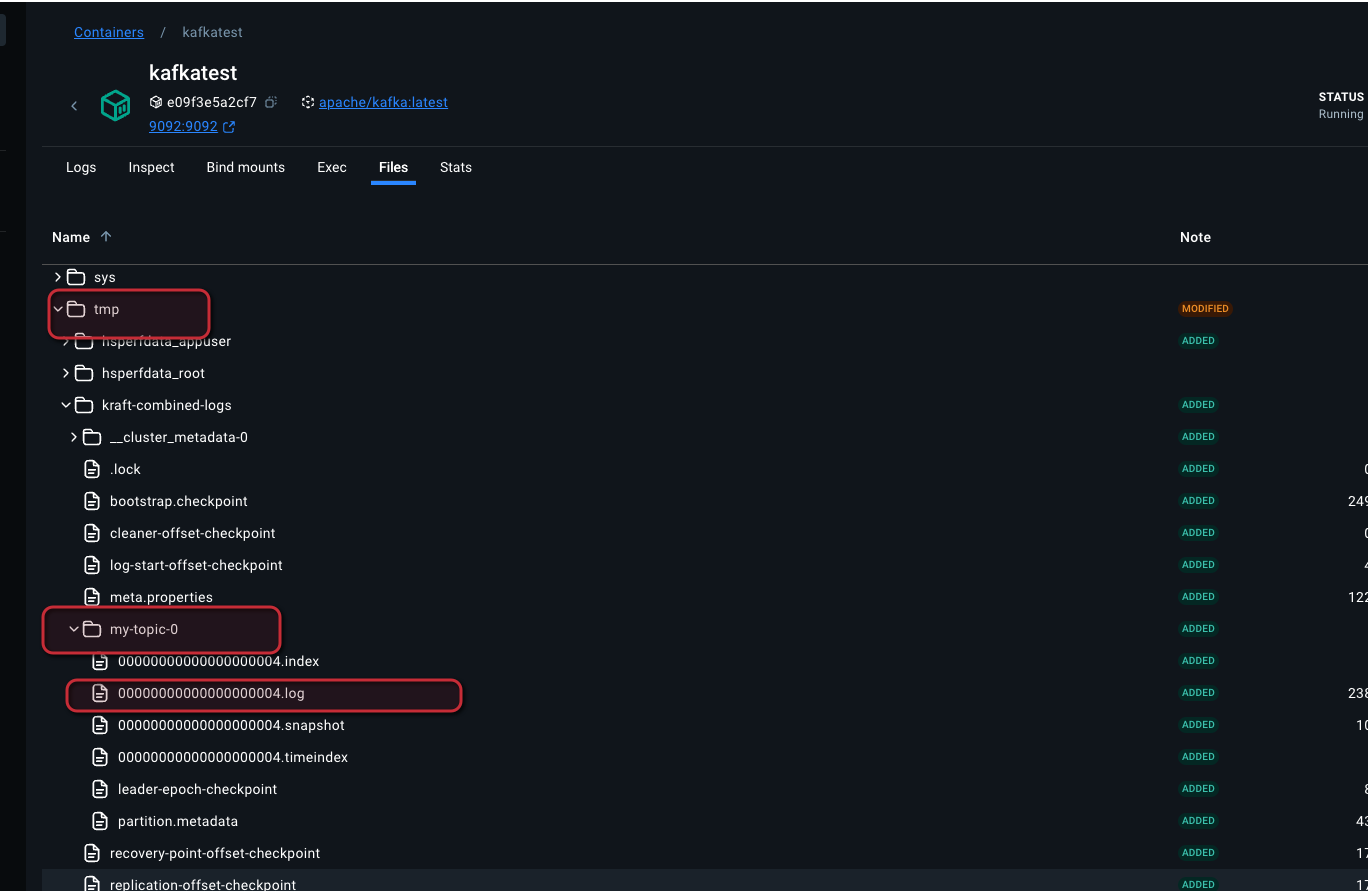
Click on the log file to see the event message below.

Hurray, congratulations :) You successfully understood the Pega Application Kafka service externalisation topic using the docker container.