Stop Writing Claude Skills From Scratch
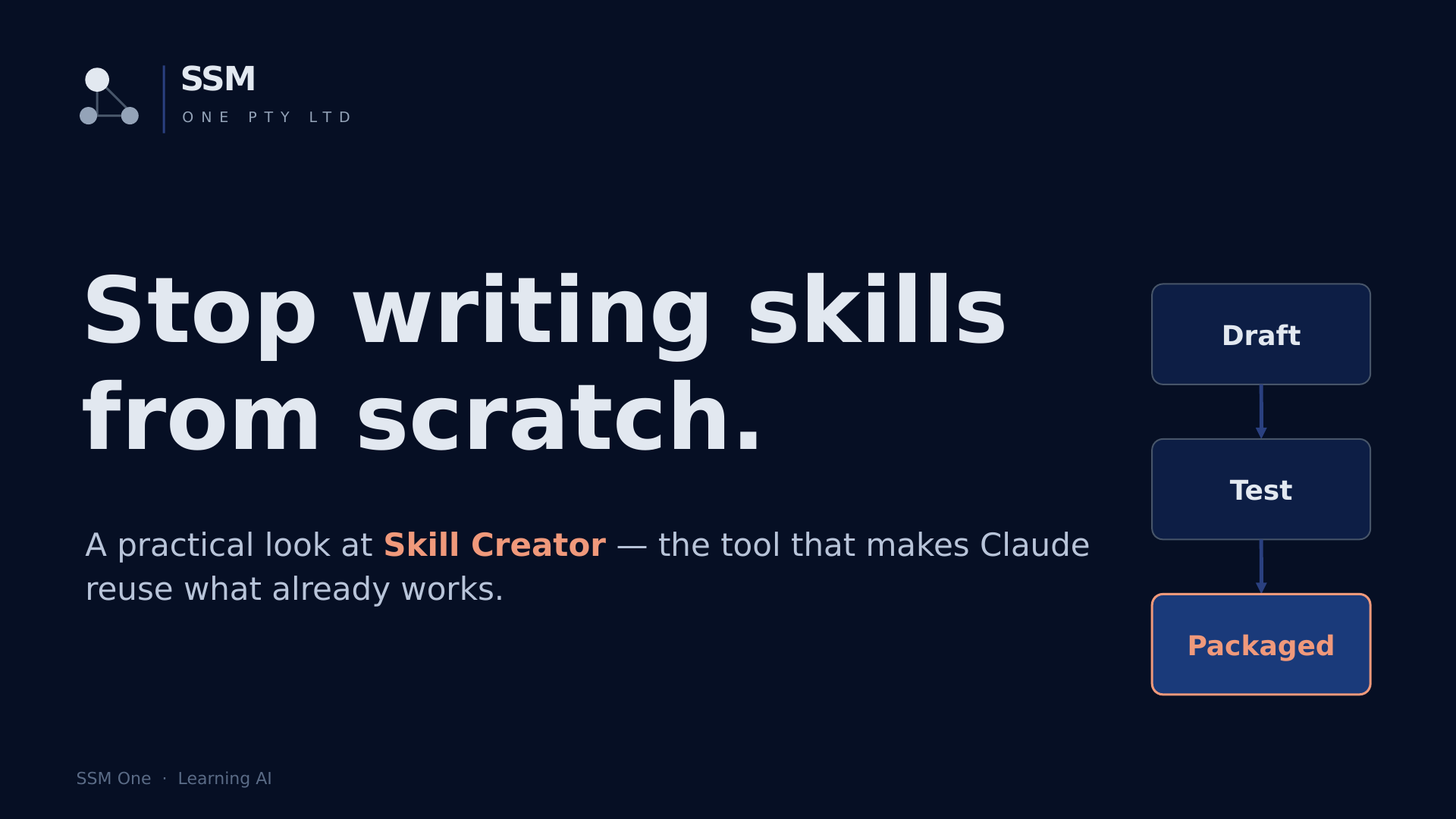
Stop Writing Claude Skills From Scratch
In this post, let's understand how Claude's Skill Creator works — and why it's the highest-leverage tool for anyone using Claude for repeat work.
A simple definition of a skill is a saved instruction set — a set of rules Claude reuses automatically, instead of you re-explaining yourself every time.
And Skill Creator is the built-in tool that helps you build those skills properly — and test them before you rely on them.
The Problem
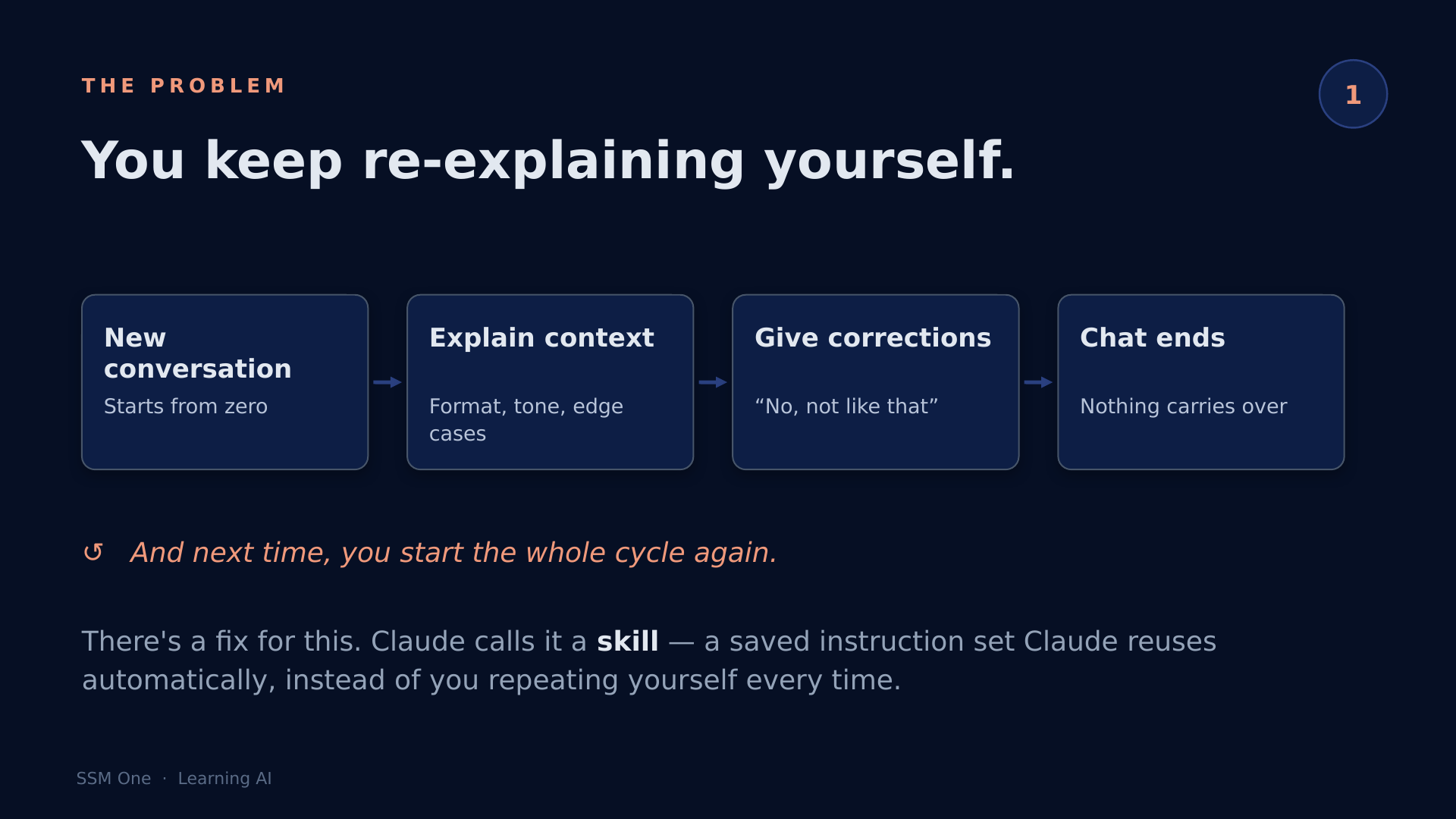
If you've used Claude for the same kind of task more than once, you've felt this:
- You open a new chat
- You explain the context, the format, the edge cases
- You give the same corrections you gave last time
- The chat ends — and nothing carries over
- Next time, the whole cycle repeats
That's the repeat-yourself loop. It's not a Claude limitation — it's the default behaviour of every AI chat tool. But Claude gives you a way out.
What Is Skill Creator?
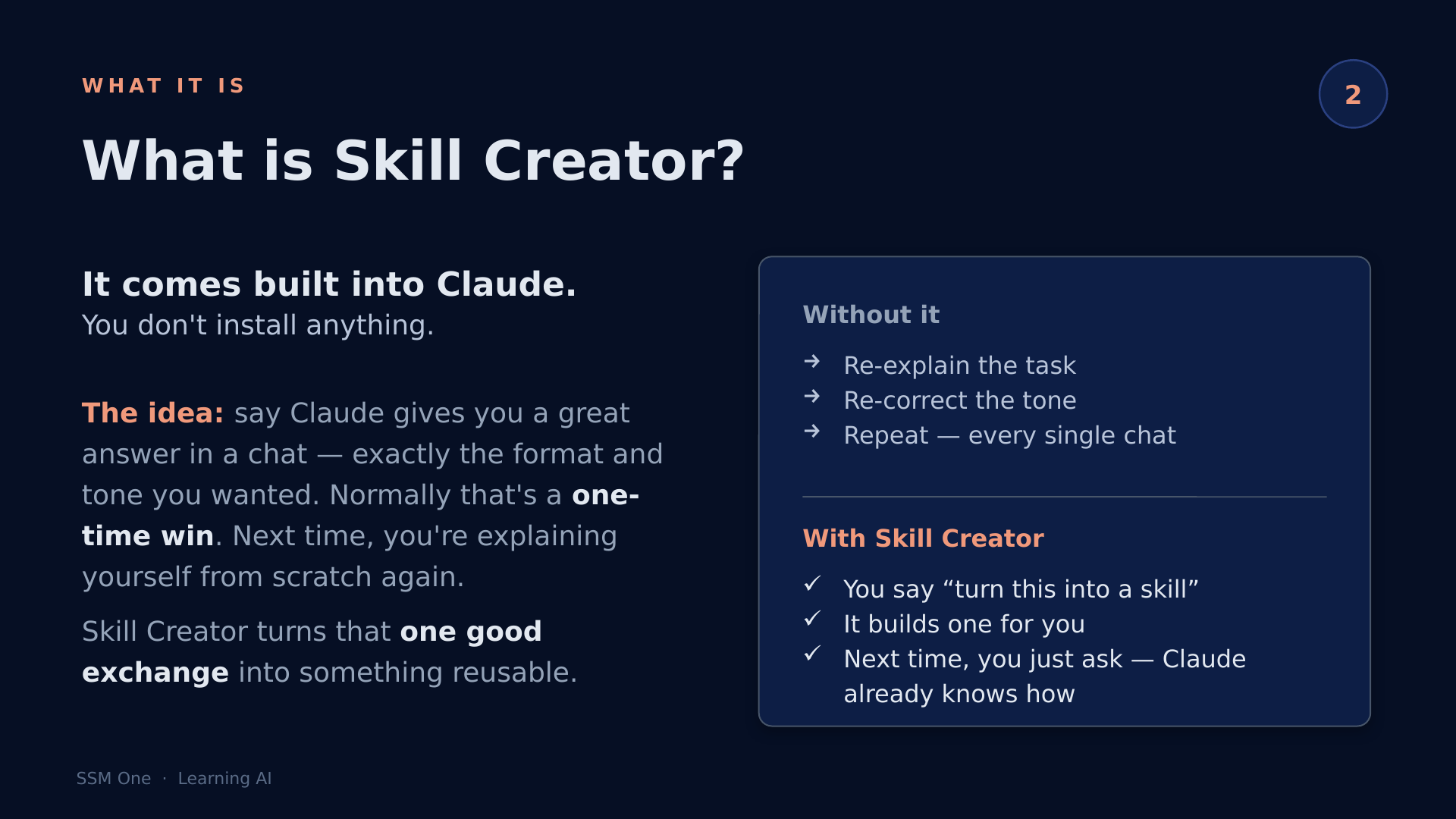
Skill Creator comes built into Claude Code — you don't install anything.
Without it:
- Claude gives you a great answer — exactly the format and tone you wanted
- That's a one-time win
- Next session, you're explaining yourself from scratch
With it:
- You tell it: "turn this into a skill"
- It builds a
SKILL.md— a reusable instruction file - Next time you need that output, you just invoke the skill
- Claude already knows how
Plain English: Skill Creator is the tool that turns a one-time good result into something Claude can repeat on demand.
Where Skills Live
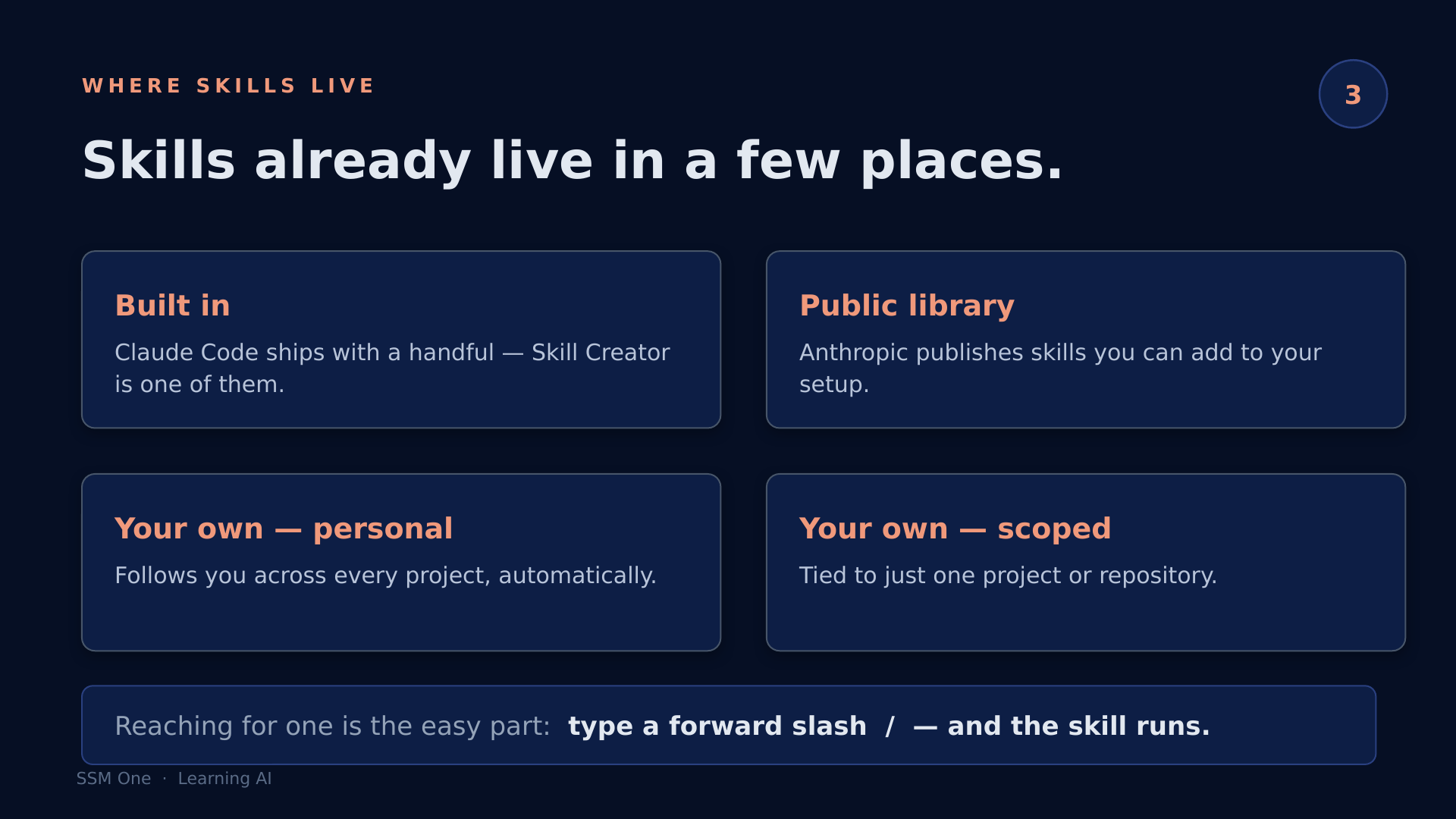
Before building anything new, it's worth knowing what's already there. Skills live in four places:
- Built in — Claude Code ships with a set; Skill Creator is one of them
- Public library — Anthropic publishes skills you can add directly
- Personal — your own skills that follow you across every project
- Scoped — tied to a specific project or repository only
Reaching for one is straightforward: type / in Claude Code, and the skill list appears. Select and run.
The Loop in Action
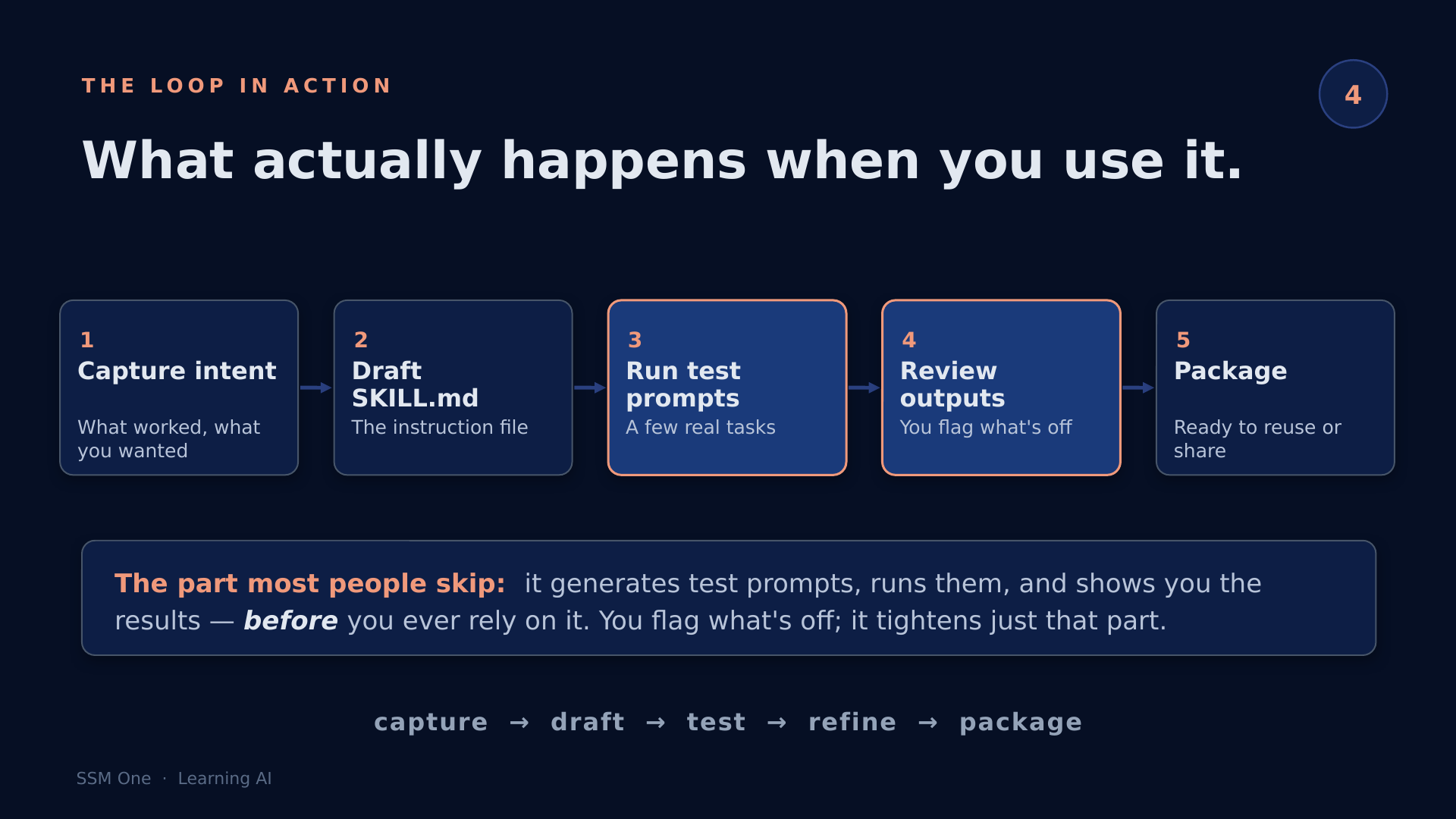
Here's what actually happens when you use Skill Creator:
Step 1: Capture intent
Tell Skill Creator what worked — the output you want to repeat, the format, the tone.
Step 2: Draft the SKILL.md
It generates the instruction file. This is the reusable artefact — a plain markdown file that tells Claude exactly how to behave for this task.
Step 3: Run test prompts
Skill Creator generates a set of test prompts and runs them against the draft skill automatically.
Step 4: Review outputs
You review what came back. Flag anything that's off.
Step 5: Package
The skill is ready — deploy it personally or scope it to a project.
Note: The part most people skip when writing skills by hand is Step 3. Skill Creator runs test prompts before you rely on the skill in a real task. You flag what's off; it tightens just that part, not the whole instruction set.
An Analogy — and a Real Use Case
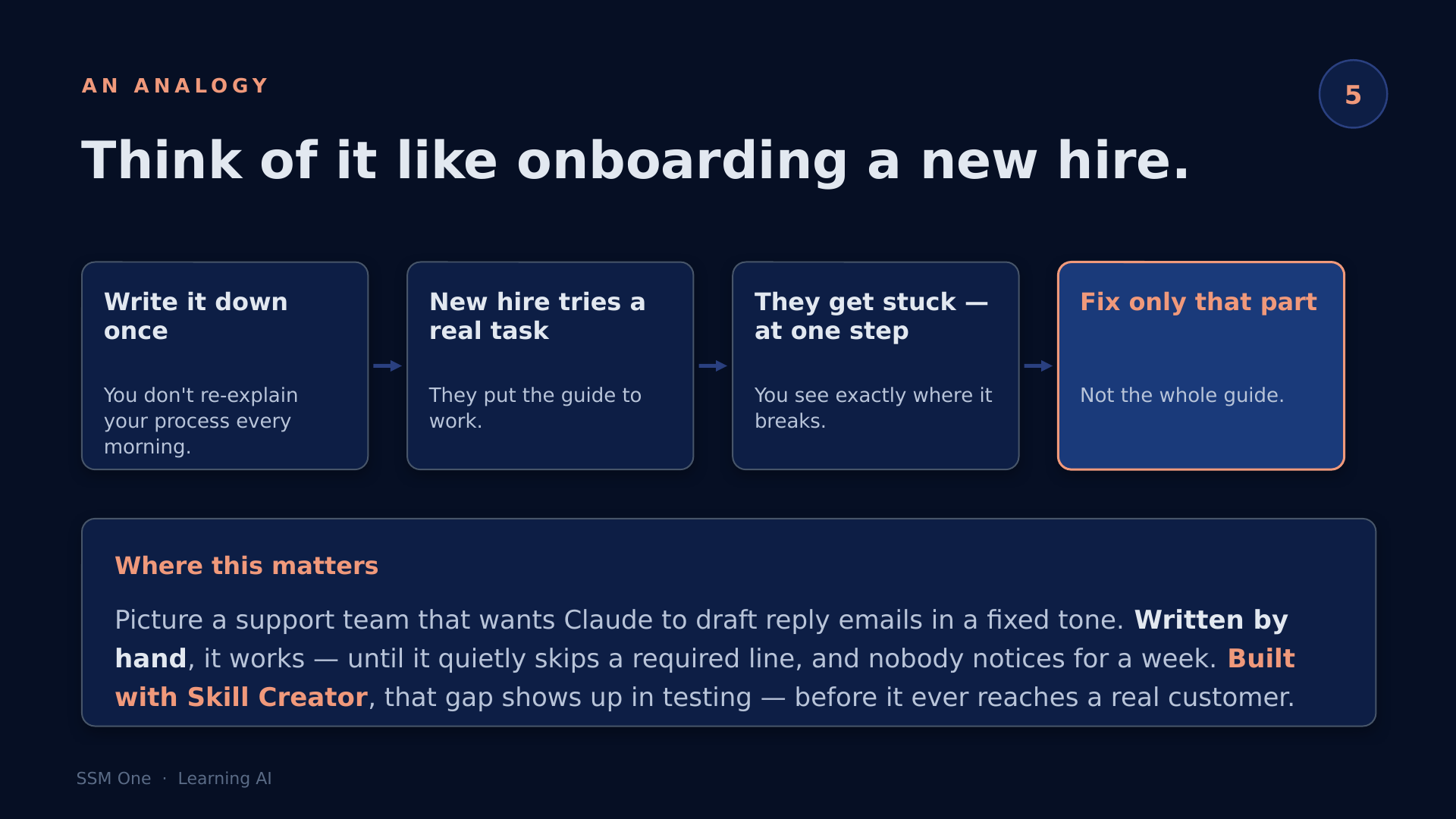
Think of it like onboarding a new team member. You write the process down once. But does the write-up actually work? You don't find out until someone tries it on a real task and gets stuck.
Skill Creator solves that. It has Claude try the process on real test prompts, watches where it gets stuck, and fixes only that part — not the whole guide.
Scenario #1 — Support team email replies:
- A support team wants Claude to draft customer reply emails in a fixed tone
- They write the skill by hand — it works in testing
- But it quietly skips a required sign-off line in edge cases
- Nobody notices for a week
- Built with Skill Creator, that gap shows up in Step 3 — before it ever reaches a real customer
Note: This is where the test loop earns its keep. It's not about trust in Claude — it's about catching the edge cases you didn't think to test manually.
Recap
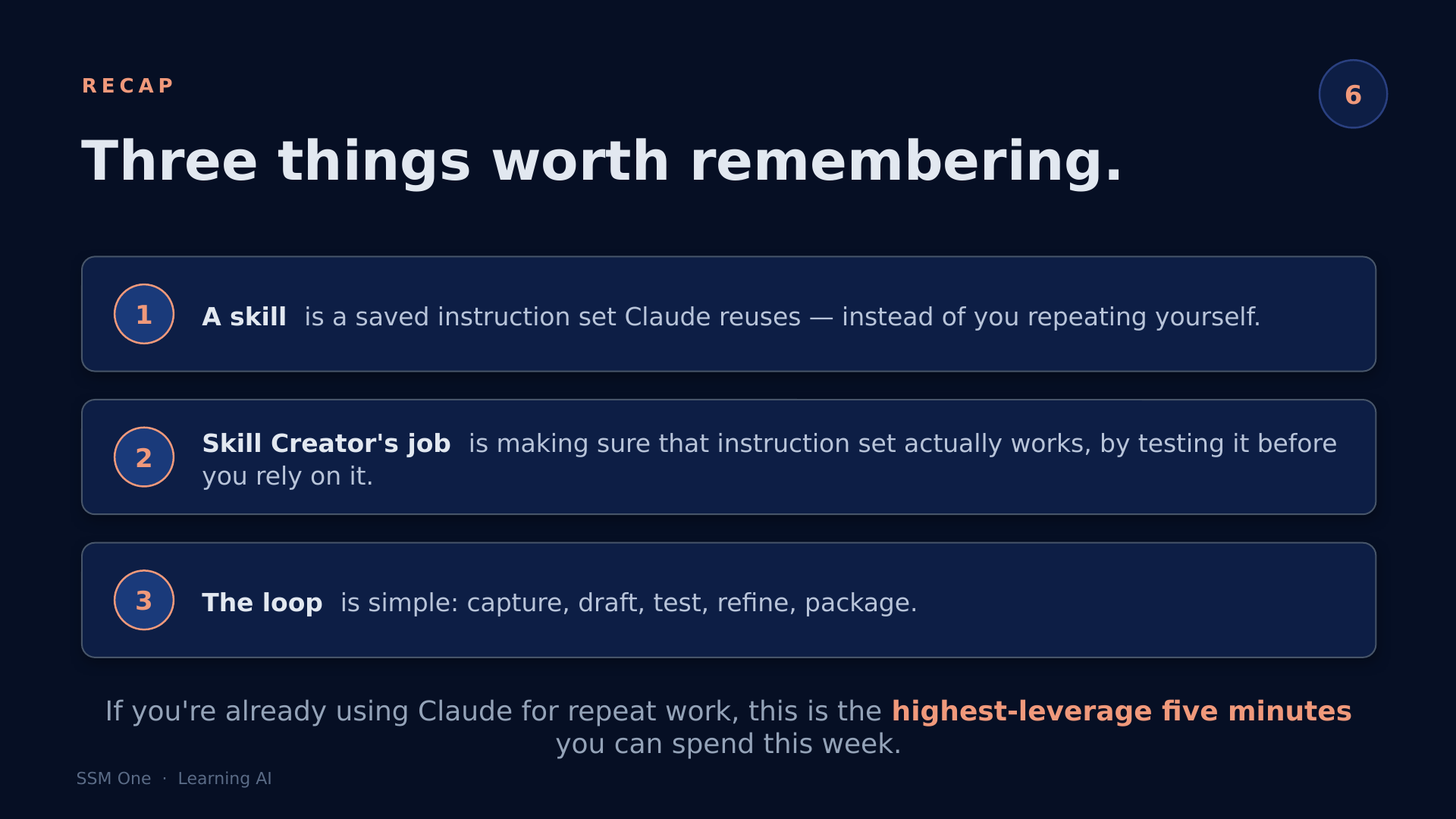
What You Now Know
- A skill is a saved instruction set — Claude reuses it automatically instead of you repeating yourself
- Skill Creator is the built-in tool that drafts, tests, and packages that instruction set for you
- The five-step loop is: capture intent → draft SKILL.md → run test prompts → review outputs → package
- Skills live in four places: built-in, public library, personal, and project-scoped
- The test step is what separates a skill that works from one that almost works
Watch the 5-minute version on YouTube.
Follow SSM One for more practical AI for enterprise tech.