How to run a Generative AI Meta Llama 2 LLM locally
How to run a Generative AI Meta Llama 2 LLM locally
This post helps us understand how to run large language models on our local machine. Artificial intelligence contains four major fields
- Supervised Learning
- Generative AI
- Unsupervised Learning
- Reinforcement Learning
Let’s focus on Supervised Learning and Generative AI. Email spam identification and image classification are examples of Supervised Learning. With the given prompt — Generative AI can generate the text, image, audio or video content. LLMs — Large language models handle the content generation. These models offer immense potential for organisations to automate tasks and enhance customer interactions through chatbots. These models help in product development by generating new ideas or code snippets.
Google Vertex AI, Azure AI, and Amazon Bedrock provide API access to the Generative AI models. Meta Llama provides these LLMs as an open-source. The open-source nature further democratizes access to advanced AI technologies, allowing even small businesses or individual developers to leverage cutting-edge AI without the hefty price tag of proprietary solutions.
Step 1: Install Ollama
- First, you need to download and install Ollama. You can find the installation instructions on the Ollama website. It’s available for macOS, Linux, and Windows (in preview).
Step 2: Pull the Llama 2 model
Once Ollama is installed, you can pull the Llama 2 7B model using the command line. Open your terminal or command prompt and type:
ollama pull llama2:7b
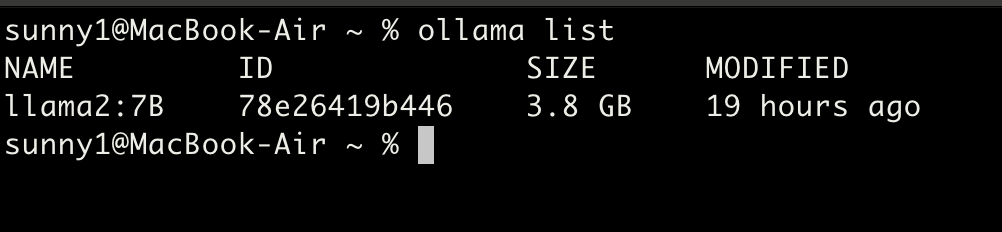
- This command will download the Llama 2 7B model to your local machine. Depending on your internet speed, this might take a few minutes. The model size is around 3.8GB
- Verify the model file using the below command
ollama list
Step 3: Execute the Llama 2 model
- Execute the below command to run the llama 2 model locally
ollama run llama2:7B

Step 4: Chat with the LLM model
Note: You can chat with this LLM even without the internet connection
Scenario #1: Input a simple prompt and see the Generative AI results
Prompt:
Tell me a joke

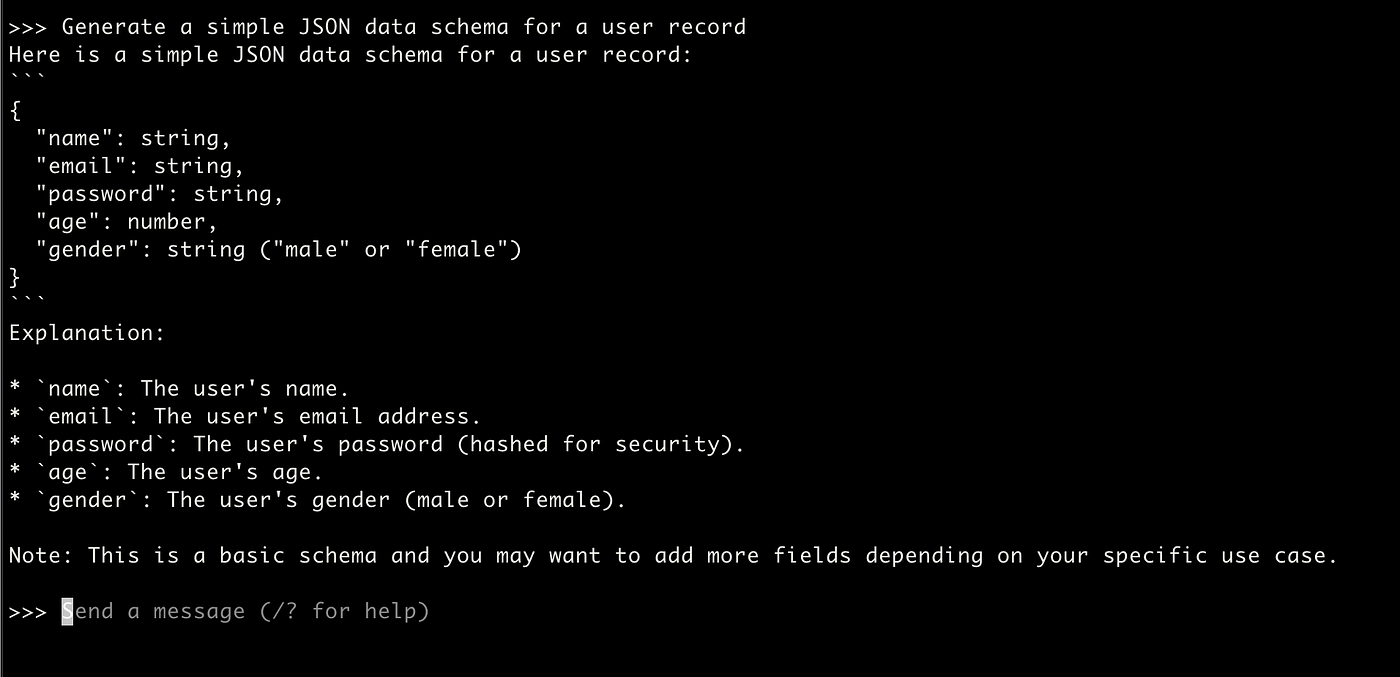
Scenario #2: Set the context to the LLM and see the Generative AI results
Prompt #1:
Generate a simple JSON data schema for a user record
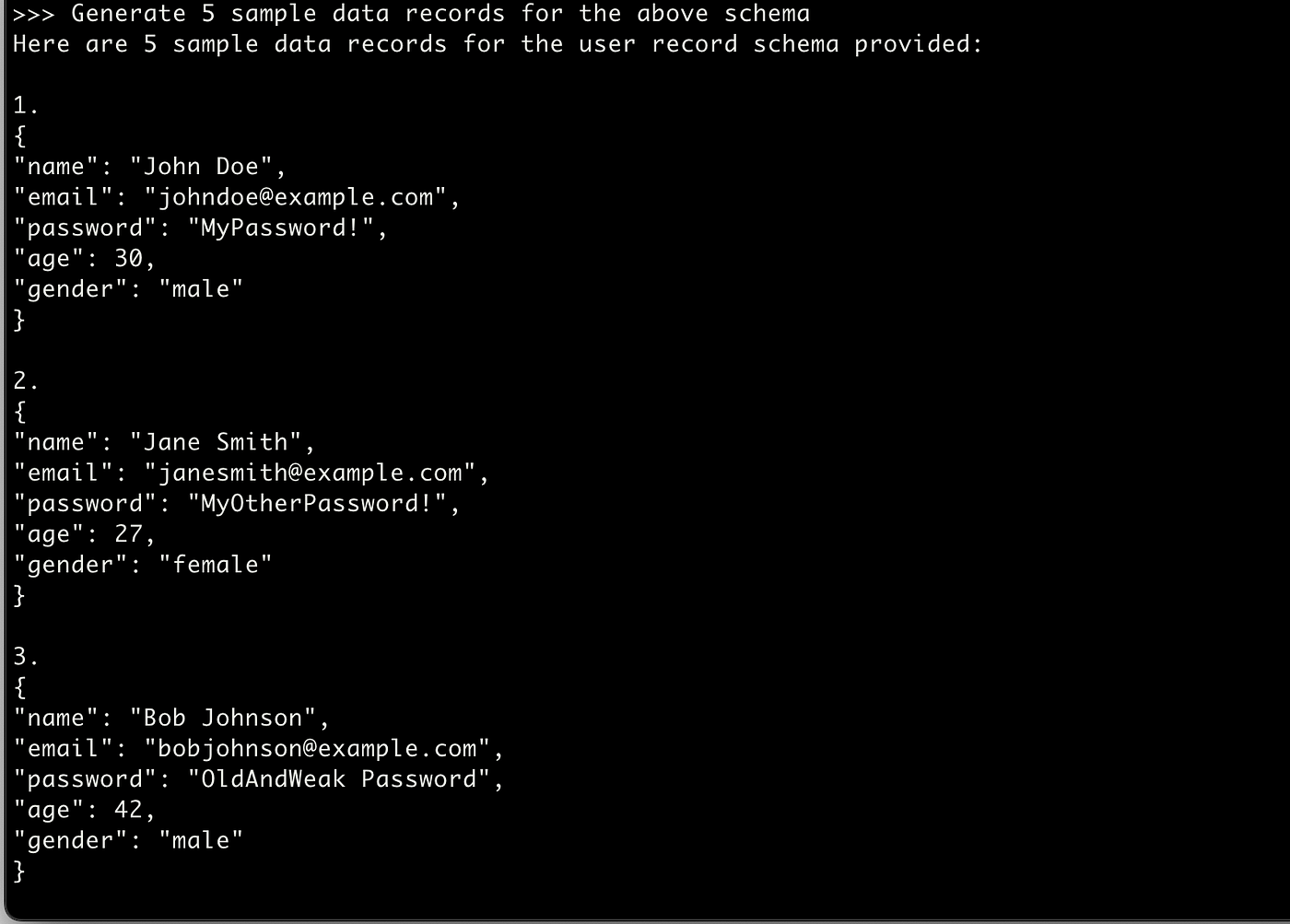
Prompt #2:
Generate 5 sample data records for the above schema
Hurray, Congratulations :) You have learned to install and chat with the open-source llama LLM locally.