How to create an image classifier predictive model without a single line of code?
How to create an image classifier predictive model without a single line of code?
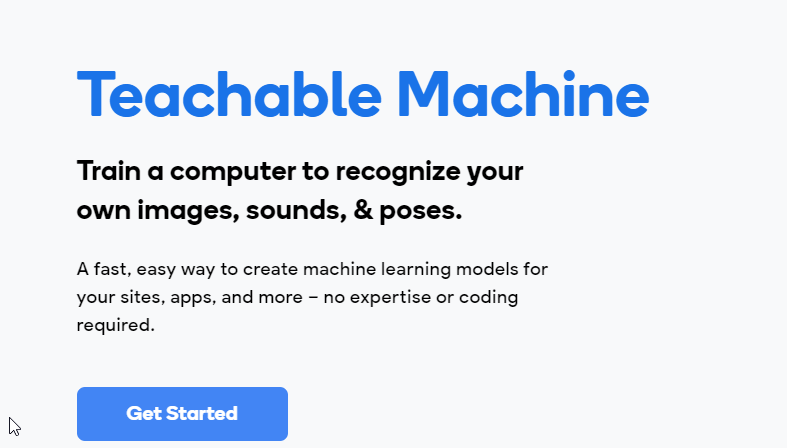
In this particular post, we will learn how to develop an image classifier predictive model using the teachable machine google project. This google project helps anyone to develop a machine learning model without ML expertise. Web and mobile apps can use these generated models.
We will use a flower data-set to develop an image classification.
Access the flower data-set in the Kaggle site
Pre-requisites
Step 1: Date preparation for image classification
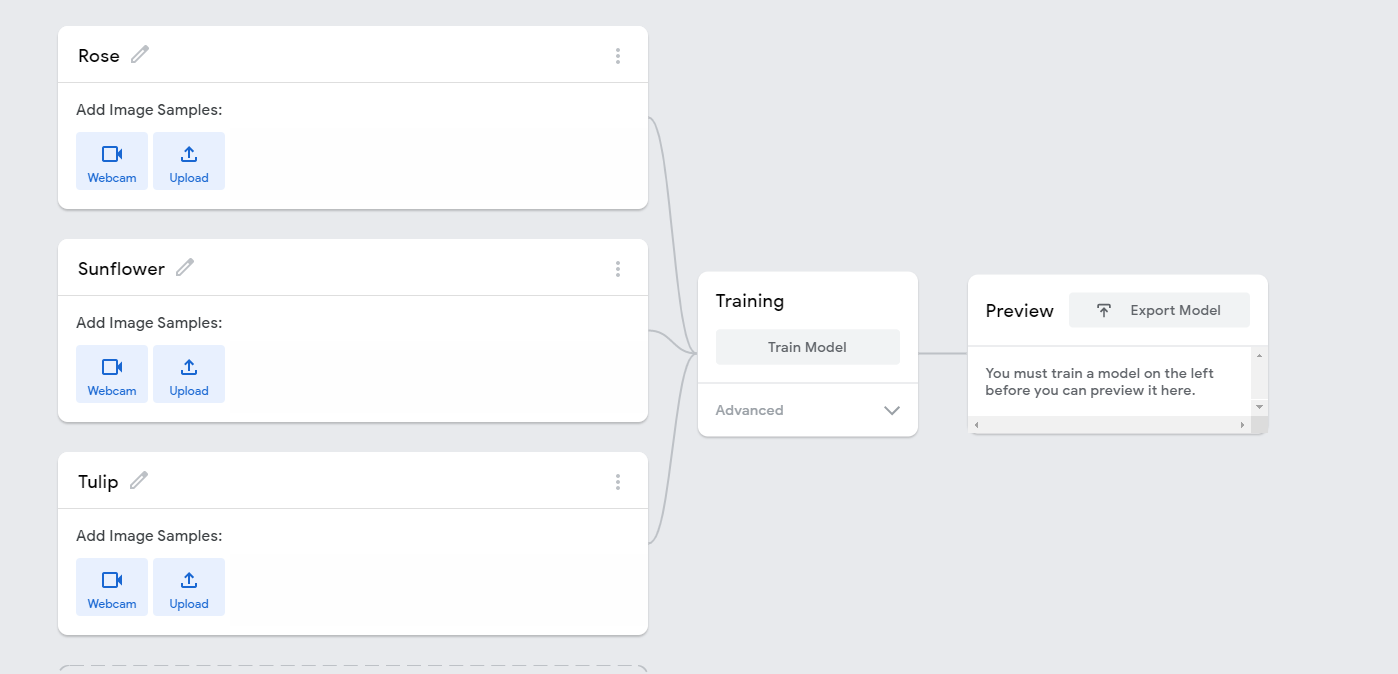
In this example, we will select different flowers — Rose, Sunflower, tulip from the dataset.
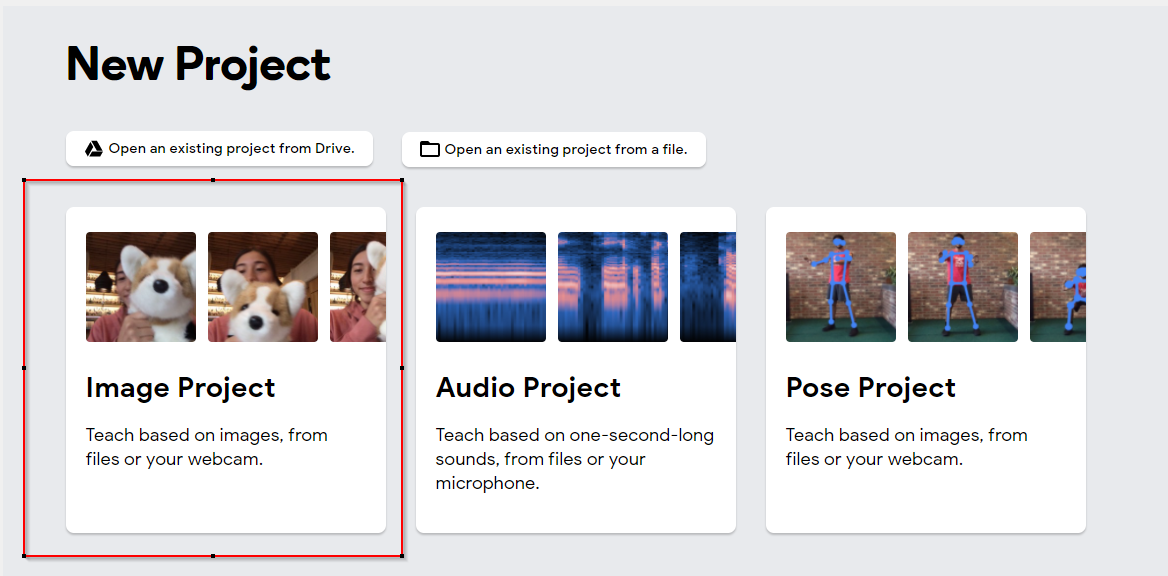
Click on the Image project
Create different classes for the image classification
Upload the set of 30 sample images from the data-set.
For example:
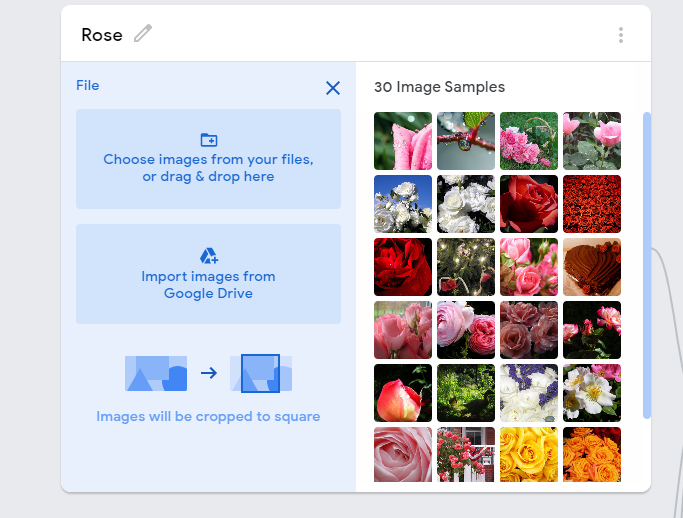
Note: Similarly, upload the samples for Sunflowers and Tulips
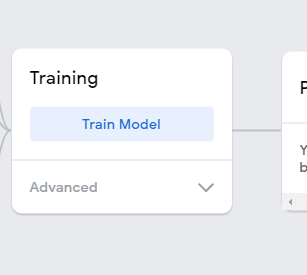
Step 2: Train the model
Click on Train Model after the samples uploaded
Step 3: Preview and test the model
Upload the file and test the prediction.
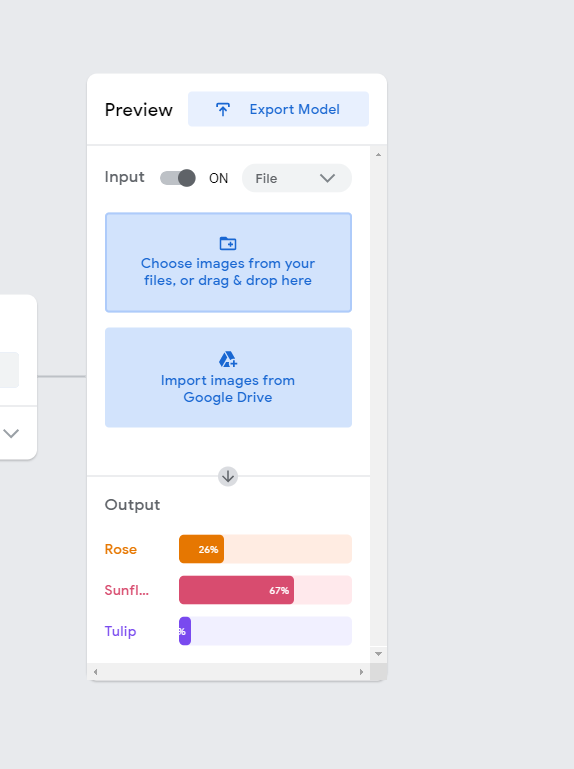
Upload any sample flower image and see the prediction score.
Example: In this scenario, we have uploaded the tulip image and see the prediction score of Tulip
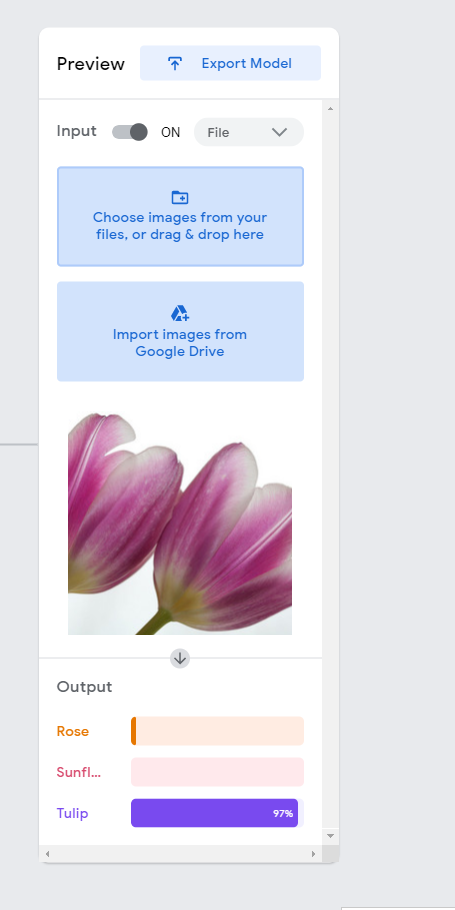
Congratulations :), you successfully created the predictive model. Now you can export the model file using Tensorflow.js, Tensorflow to use it in the Node, Python projects.