How to create a simple React js single page application?
How to create a simple React js single page application?
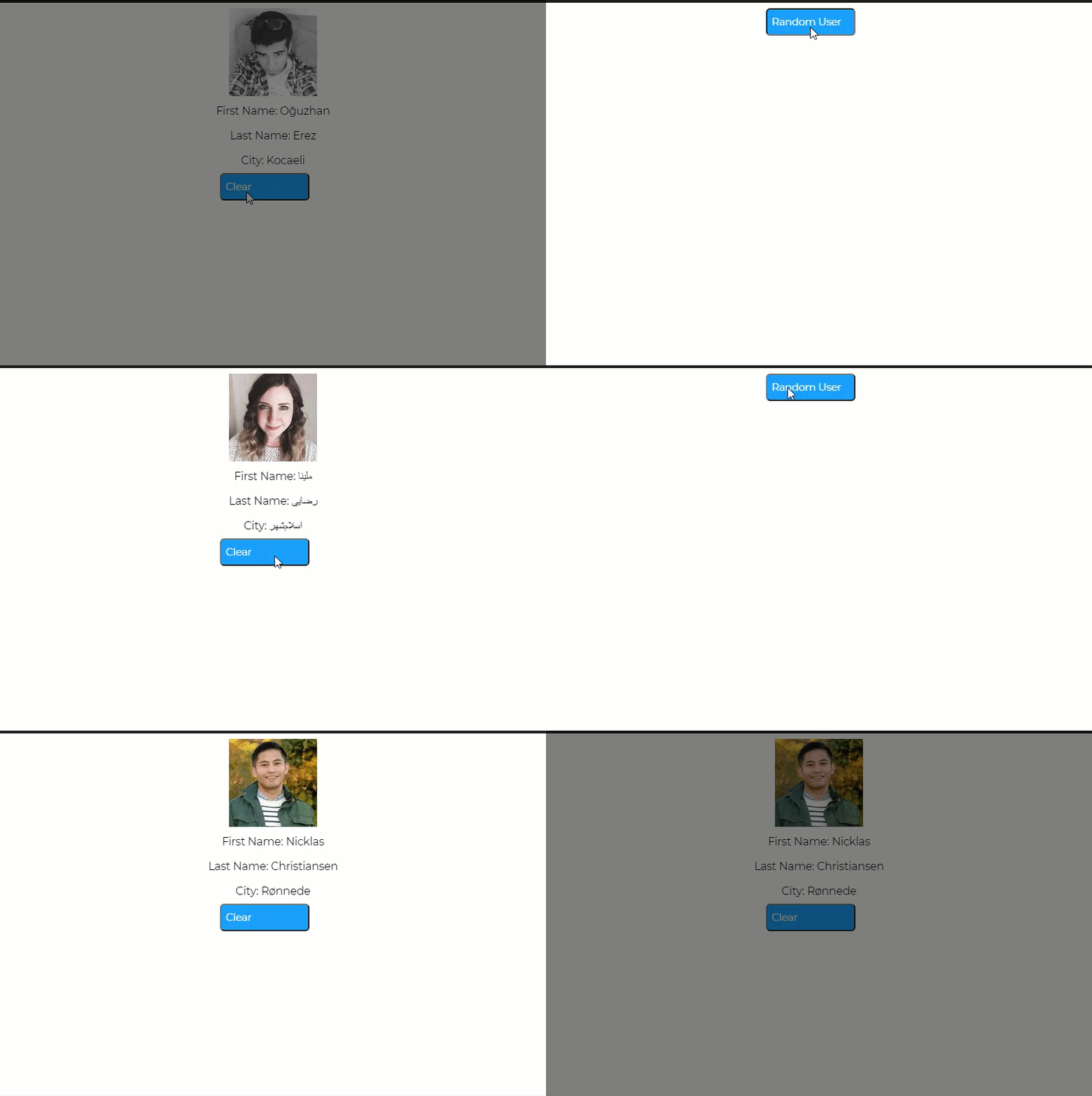
In this particular post, we will learn to create a single React js single page application. React JS uses JSX — it helps us in keeping code simpler and elegant when writing large pieces of code**.** The popularity of React JS is well known for providing component-driven rich user interfaces. Nowadays most of the tools and respective applications are coming with reusable React components.
This exercise page will have a button to retrieve the random user from an API. It helps to understand the basics of React JS and the usage of API communication within it.
Pre-requisites
- Codesandbox — To develop the React JS project
- Random User API — It is an open-source free API that gives random user data
Step 1: Develop the React JS Project
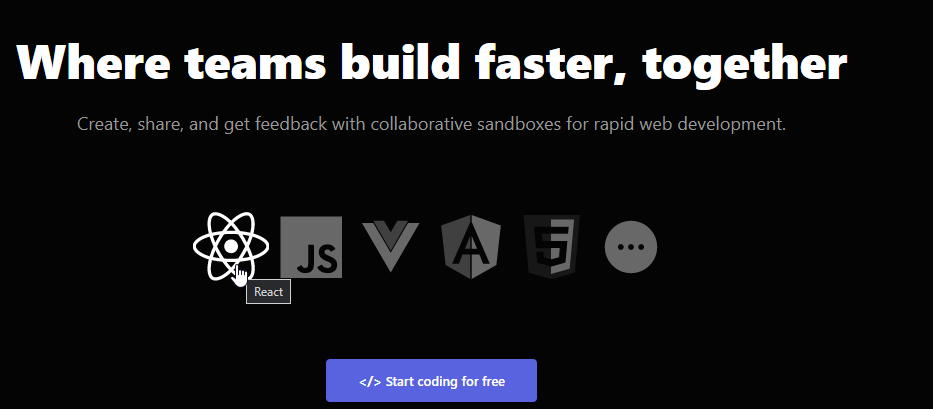
Navigate to https://codesandbox.io/ — Codesandbox URL. Click on the React JS.
It will open up the code editor window as below
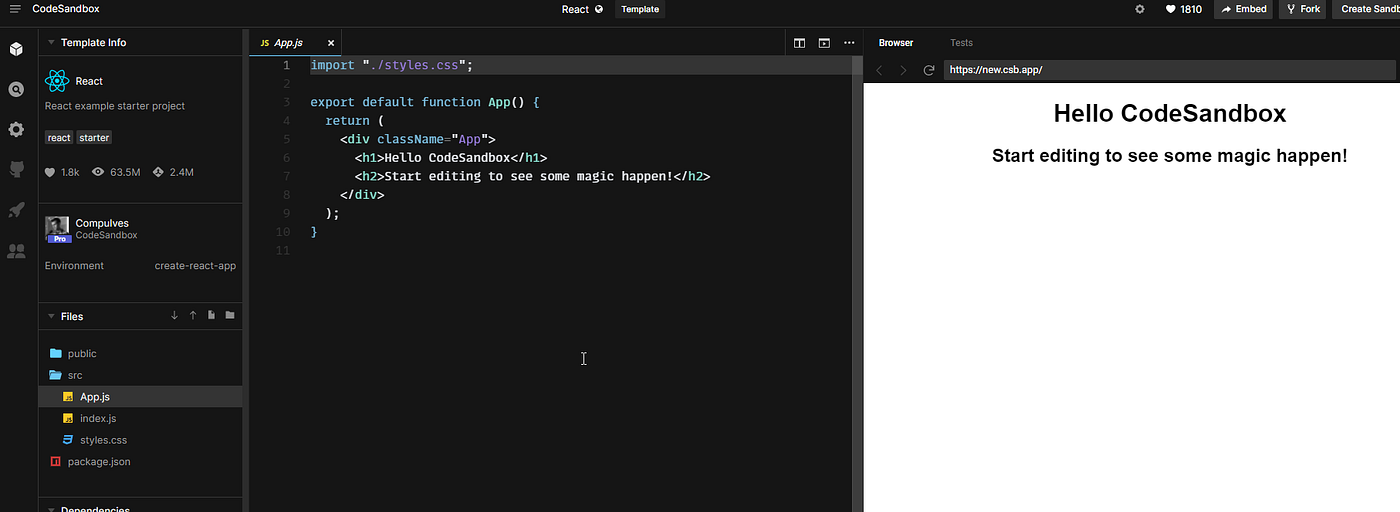
Step 2: Develop RandomUserExample React component
Rename the App.js to “RandomUserExample.js” and copy the following code.
The following code is self-explanatory from the JSX perspective.
import "./styles.css";
import React from "react";
export default class RandomUserExample extends React.Component {
state = {
loading: true,
person: null
};
getRandomUser = async (props) => {
const url = "https://api.randomuser.me/";
const response = await fetch(url);
const data = await response.json();
this.setState({ person: data.results[0], loading: false });
};
clearRandomUser = () => {
this.setState({ loading: true, person: null });
};
render() {
return (
{this.state.loading ? (
) : (
{this.state.person.name.first}
{this.state.person.name.last}
{this.state.person.location.city}
<button
className="Randomuserbutton"
onClick={this.clearRandomUser}
>
Clear
)}
);
}
}
Update the references in the index.js as below — To replace the App to RandomUserExample component.
import ReactDOM from "react-dom";
import RandomUserExample from "./RandomUserExample";
const rootElement = document.getElementById("root");
ReactDOM.render(
Step 3: Update styling of the RandomUserExample component
In the Styles.css file — Update with the following content
.App {
font-family: sans-serif;
text-align: center;
}
.Content {
/* Body H4 */
font-family: Montserrat;
font-style: normal;
font-size: 16px;
line-height: 36px;
/* identical to box height, or 150% */
letter-spacing: -0.015em;
color: #000000;
}
.Randomuserbutton {
/* Button
Primary Button
*/
position: relative;
width: 130px;
height: 40px;
left: 593px;
top: 737px;
/* Rectangle 2 */
position: relative;
left: 0%;
right: 0%;
top: 0%;
bottom: 0%;
/* Actionable Item */
background: #18a0fb;
border-radius: 6px;
/* Register */
position: relative;
left: 40.15%;
right: 26.15%;
top: 5.5%;
bottom: 27.5%;
font-family: Montserrat;
font-style: bold;
font-weight: 500;
font-size: 15px;
line-height: 18px;
display: flex;
align-items: center;
text-align: center;
letter-spacing: -0.015em;
color: #ffffff;
}
Note: For styling the application, If you are new then I recommend using Figma.
Step 4: Testing the application
On the right-hand side, you can see a random user button to retrieve the random user from the API.
Hurray, congratulations :) Now you successfully completed a React JS Single page application to use an API to get the information.