Create a simple event-driven Google Cloud Function app to create an image thumbnail
Create a simple event-driven Google Cloud Function app to create an image thumbnail
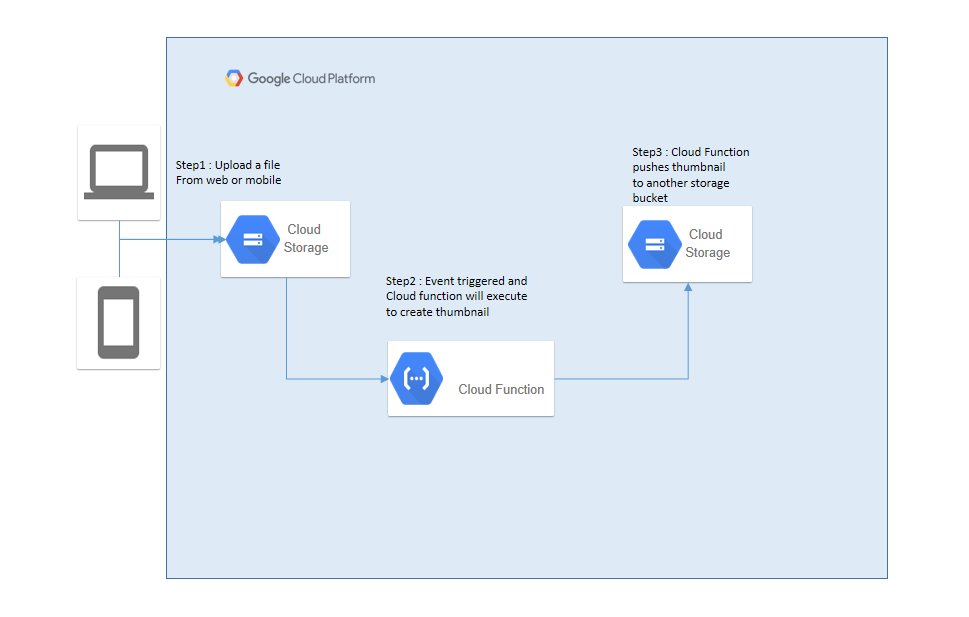
In this particular post, we will learn to create a simple event-driven google cloud function that creates an image thumbnail for the uploaded image. Google cloud function is a FaaS service that has zero server management, pay only for the usage.
Following technologies and systems are used:
- Python — To develop the function code
- Google Cloud Function
- Google Cloud Storage
Create the google cloud storage buckets
Step 1: Create two google cloud storage buckets
Refer to the below documentation to create the storage buckets
Creating storage buckets | Cloud Storage | Google Cloud
_This page shows you how to create Cloud Storage buckets. For an overview of buckets, read the Key Terms. If not…_cloud.google.com
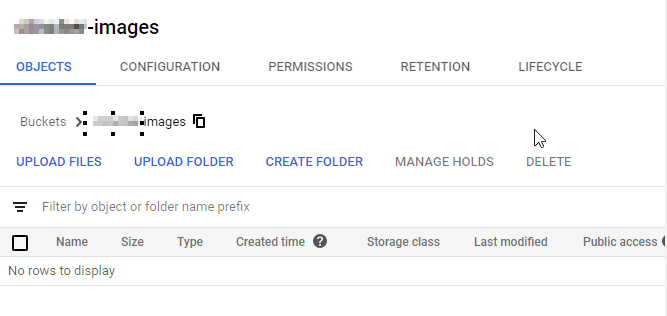
Images bucket:
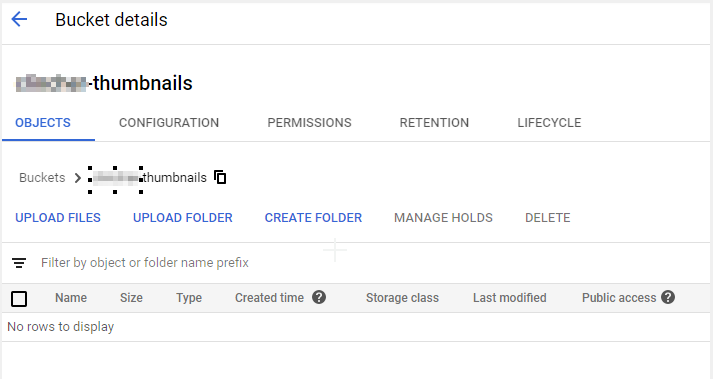
Thumbnails bucket:
Develop the Python Function to Make Thumbnail
Step 1: Set-up Python project using PyCharm IDE
PyCharm is a useful IDE tool for Python project development. Refer to the below website on the download instructions
Download PyCharm: Python IDE for Professional Developers by JetBrains
_We've noticed that JavaScript is disabled in your web browser. Please enable JavaScript to take advantage of…_www.jetbrains.com
Step 2: Create a new project using PyCharm
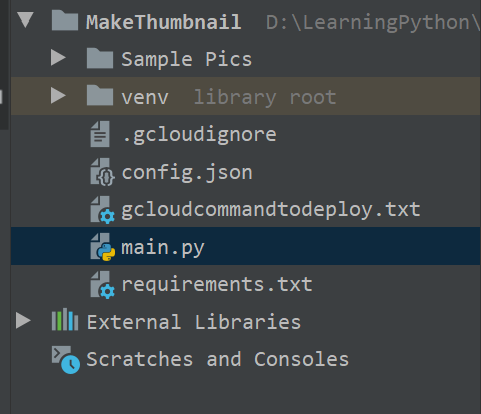
Create the new project [MakeThumbnail] in PyCharm IDE. The project structure looks as below
Note: We do create the additional files as part of the process
Step 3: Install the Python packages
Create the [requirements.txt] file for the required packages. For this function we need the following packages:
Wand: To handle with images
Wand
_Wand is a ctypes-based simple ImageMagick binding for Python, supporting 2.7, 3.3+, and PyPy. All functionalities of…_pypi.org
google-cloud-storage: To communicate with google cloud storage services
google-cloud-storage
_Google Cloud Storage allows you to store data on Google infrastructure with very high reliability, performance and…_pypi.org
wand
google-cloud-storage
Step 4: Develop the function code
Create the file [main.py] file and copy the following content. The function logic is self-explanatory.
from json import load as json_load
from wand.image import Image
from google.cloud import storage
with open('config.json') as json_data_file:
cfg = json_load(json_data_file)
client = storage.Client()
def make_thumbnail(data, context):
# Get the image from GCS
bucket = client.get_bucket(data['bucket'])
blob = bucket.get_blob(data['name'])
imagedata = blob.download_as_string()
# Create a new image object and resample it
newimage = Image(blob=imagedata)
newimage.sample(300,300)

# Upload the resampled file to the thumbnails bucket
bucket = client.get_bucket(cfg['THUMBNAIL_BUCKET'])
newblob = bucket.blob('thumbnail-'+data['name'])
newblob.upload_from_string(newimage.make_blob())
Create the [config.json] file
{
"THUMBNAIL_BUCKET": "THUMBNAILS-BUCKETNAME"
}
Deploy function to Google Cloud
Step 1: Set-up google cloud account and create a project
Refer to the google cloud documentation on the cloud account and respective project creation
Cloud Computing Services | Google Cloud
_Migrate quickly with pre-packaged cloud infrastructure solutions for SAP, VMware, Windows, Oracle, data center…_cloud.google.com
Step 2: Install Google Cloud SDK Shell
Refer to the below documentation and install the Google Cloud SDK
Installing Google Cloud SDK | Cloud SDK Documentation
_This page contains instructions for choosing and maintaining a Cloud SDK installation. If you are behind a…_cloud.google.com
Step 3: Create the Google cloud Ignore file
The “.gcloudignore” file is used to skip the assets not required to move to the google cloud.
Example:
Virtual environment folder
venv/
Ignore the Sample folders
Sample Pics/
Ignore deploy.sh file
deploy.sh
Step 4: Deploy using google cloud SDK
Create the “deploy.sh” file with the following command to deploy.
Note: Google cloud function will get invoked with the storage bucket event on finalizing the file
gcloud functions deploy make_thumbnail --region REGION_NAME --runtime python37 --trigger-resource IMAGES_BUCKET_NAME --trigger-event google.storage.object.finalize --ignore-file .gcloudignore --allow-unauthenticated
Note: Execute the deploy.sh file from terminal to deploy the function
Step 5: Verify the deployed function in the cloud console

Test the Google Cloud Services
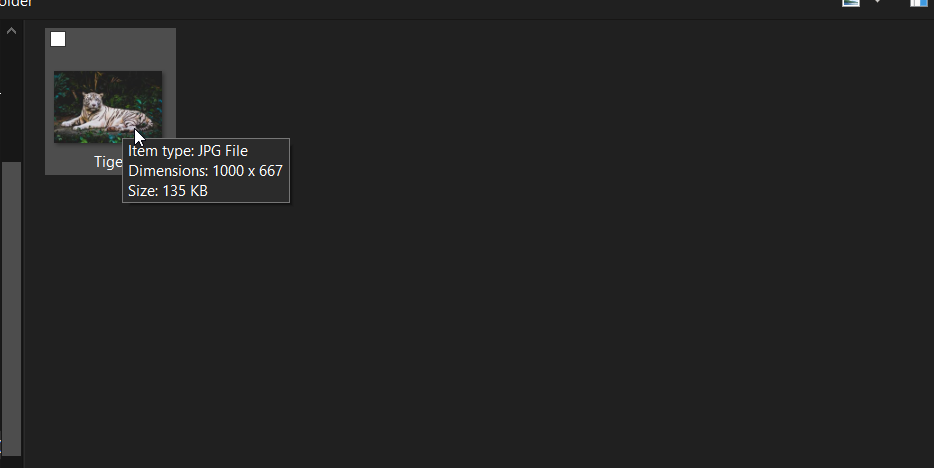
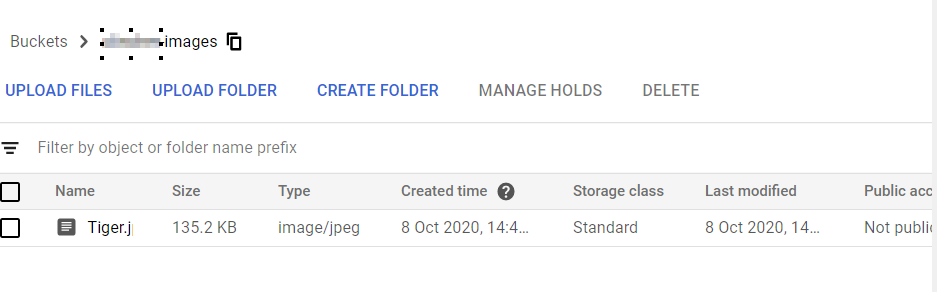
Step 1: Upload a file to the Google Storage Images bucket
Upload any image file with the higher dimensions into images bucket
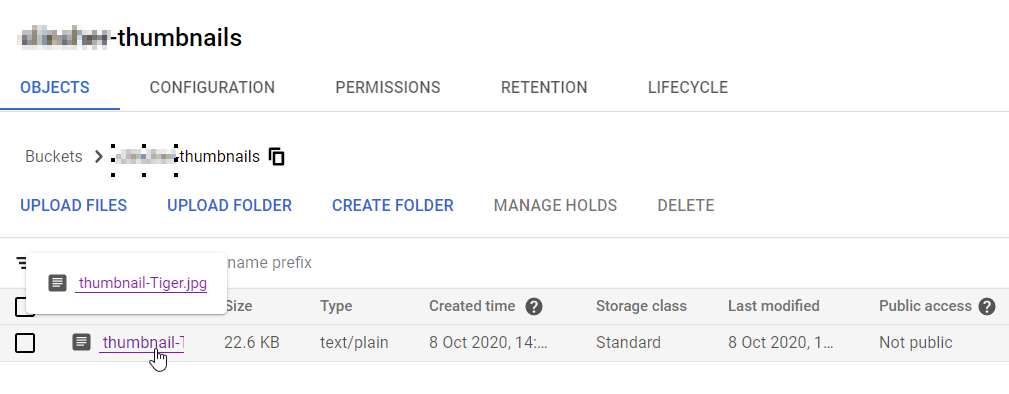
Step 2: Verify the thumbnail in the Google Storage Thumbnails bucket
Verify the respective thumbnail image in the thumbnails bucket. The thumbnail image will be in the dimensions of [300X300].
Wohoooo, congratulations :) Now you successfully created a simple event-driven google cloud function. The event-driven architecture is used to handle the asynchronous activities of an application. This approach is completely serverless and has the freedom to write in any language.